ここではGoogle Maps API V3 緯度経度から逆ジオコーディングする方法を解説しています。
※2018年7月16日よりAPIキーが必須で有料になりました。
Google Cloud Console にログインしてMaps JavaScript APIとGeocoding APIのキーを発行してください。
https://cloud.google.com/
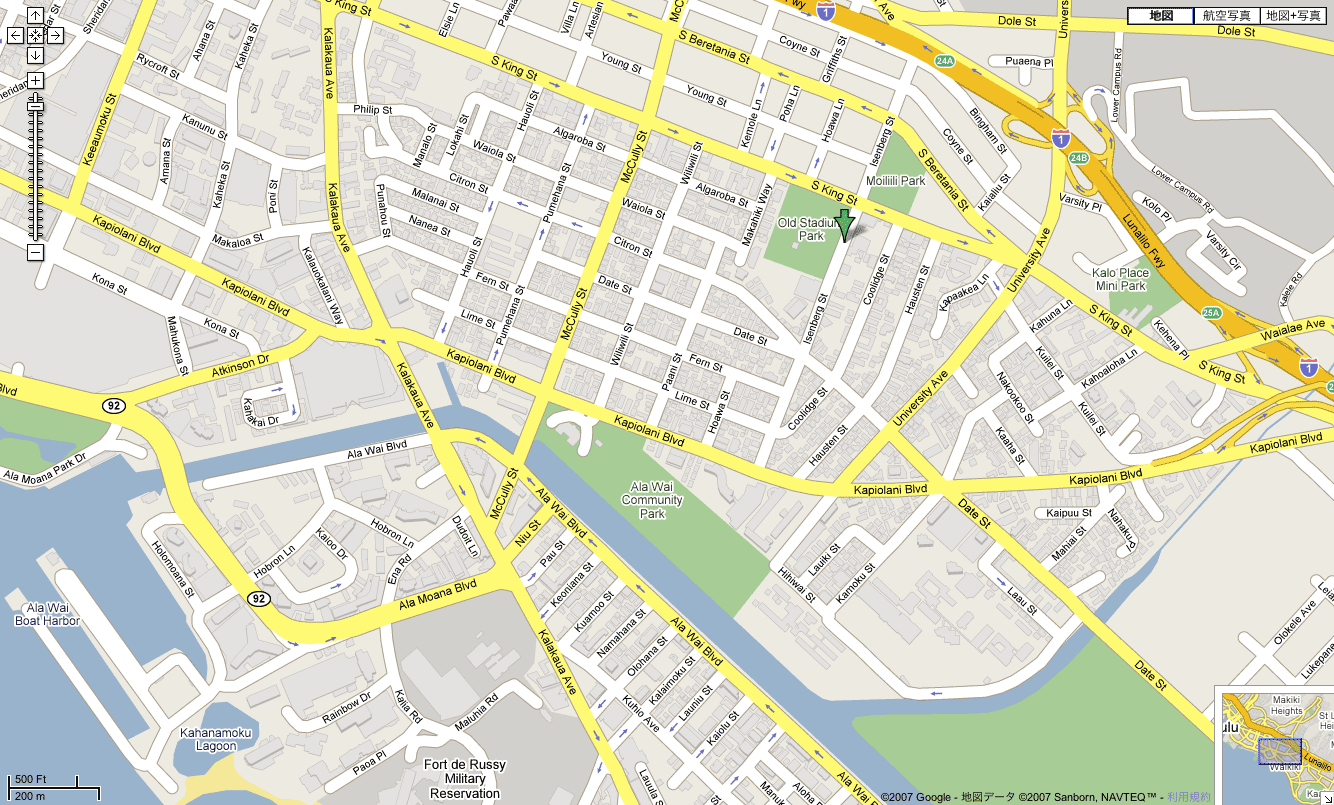
デモはこちら
http://office-goto.info/demo/reverse-geocoding/
サンプルソース
google.maps.event.addDomListener(window, 'load', function() {
    var latlng = new google.maps.LatLng(35.671277, 139.718489);
    var options = {
        zoom: 16,
        center: latlng,
        mapTypeId: google.maps.MapTypeId.ROADMAP
    };
    var map = new google.maps.Map(document.getElementById("gmap"), options);

    // InfoWindowオブジェクト
    var infowindow = new google.maps.InfoWindow();

    $("input[type=button]").click(function () {
        var geocoder = new google.maps.Geocoder();
        // 入力された緯度経度取得
        latlng = new google.maps.LatLng($("#lat").val(), $("#lng").val());
        // 逆ジオコーディング
        geocoder.geocode({'latLng': latlng}, function(results, status) {
            if (status == google.maps.GeocoderStatus.OK) {
                // マップのセンターを入力された緯度経度に設定
                map.setCenter(latlng);
                // 入力された緯度経度にMarker設定
                var marker = new google.maps.Marker({
                    map: map,
                    position: latlng
                });
                // 入力された緯度経度にInfoWindow
                google.maps.event.addListener(marker, 'click', function (e) {
                    // 緯度経度から逆ジオコーディングした住所を表示
                    infowindow.setContent(results[0].formatted_address);
                    infowindow.open(map, marker);
                });
            }
            else {
                alert("Geocode was not successful for the following reason: " + status);
            }
        });
    });
});
サンプルソースの例では緯度経度を入力して、入力された緯度経度をもとに、逆ジオコーディングして住所を取得しInfoWindowに表示しています。