ここではGoogle Maps API V3 マーカーをドラッグ中にセンターの緯度経度を取得する方法について解説しています。
※2018年7月16日よりAPIキーが必須で有料になりました。
Google Cloud Console にログインしてMaps JavaScript APIとGeocoding APIのキーを発行してください。
https://cloud.google.com/
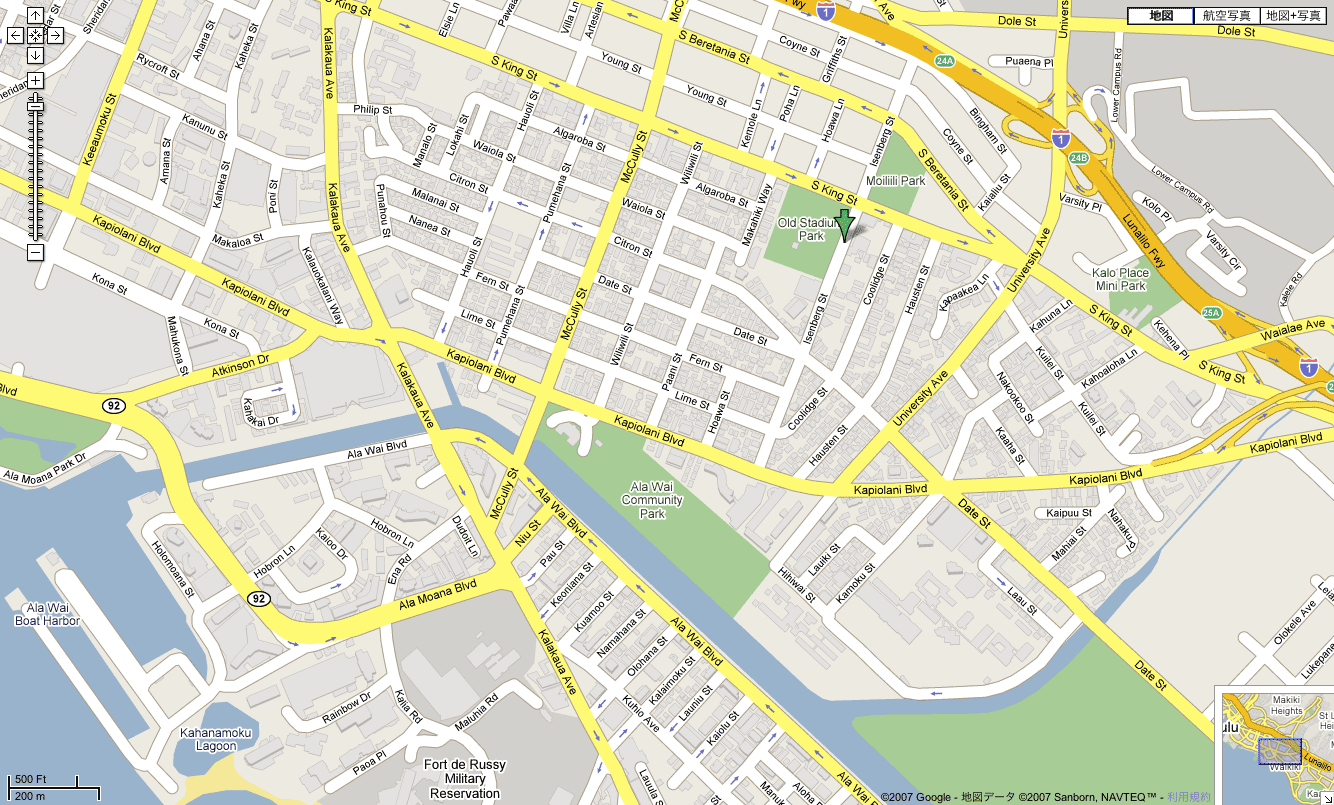
デモはこちら
https://office-goto.info/demo/drag-center/
サンプルソース
google.maps.event.addDomListener(window, 'load', function() {
    var latlng = new google.maps.LatLng(35.671277, 139.718489);
    var options = {
        zoom: 16,
        center: latlng,
        mapTypeId: google.maps.MapTypeId.ROADMAP
    };
    var map = new google.maps.Map(document.getElementById("gmap"), options);

    // InfoWindowオブジェクト
    var infowindow = new google.maps.InfoWindow();

    // Markerオブジェクト
    var marker = new google.maps.Marker({
        position: latlng,
        map: map
    });

    // マーカクリック時
    google.maps.event.addListener(marker, 'click', function (e) {
        infowindow.setContent('Hello World');
        infowindow.open(map, marker);
    });

    // ドラッグ中センター取得
    google.maps.event.addListener(map, 'drag', dispLatLng);
    function dispLatLng(){
        var center = map.getCenter();
        $('#lat').attr('value', center.lat());
        $('#lng').attr('value', center.lng());
    }
});
ドラッグ中にセンターの緯度経度取得する場合まず、ドラッグ中のイベントを登録します。
マップのセンターは「map.getCenter();」で取得できるので、例ではTextフィールドに表示させています。